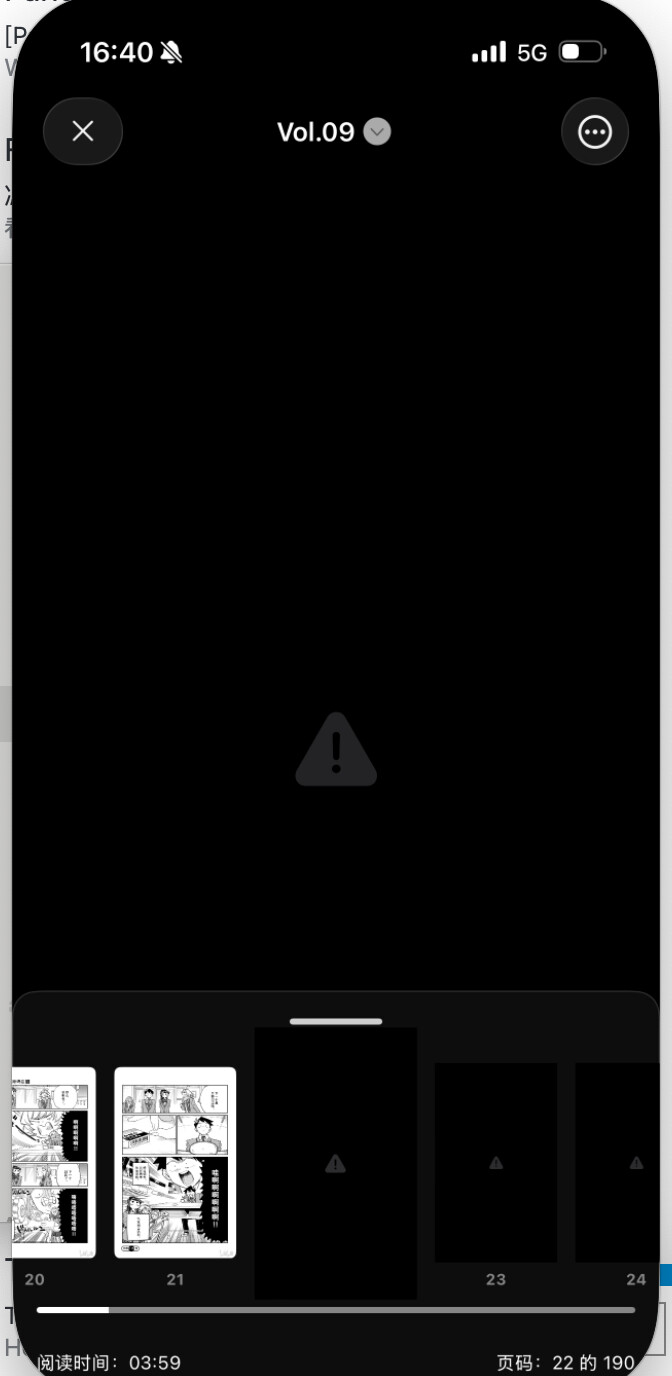
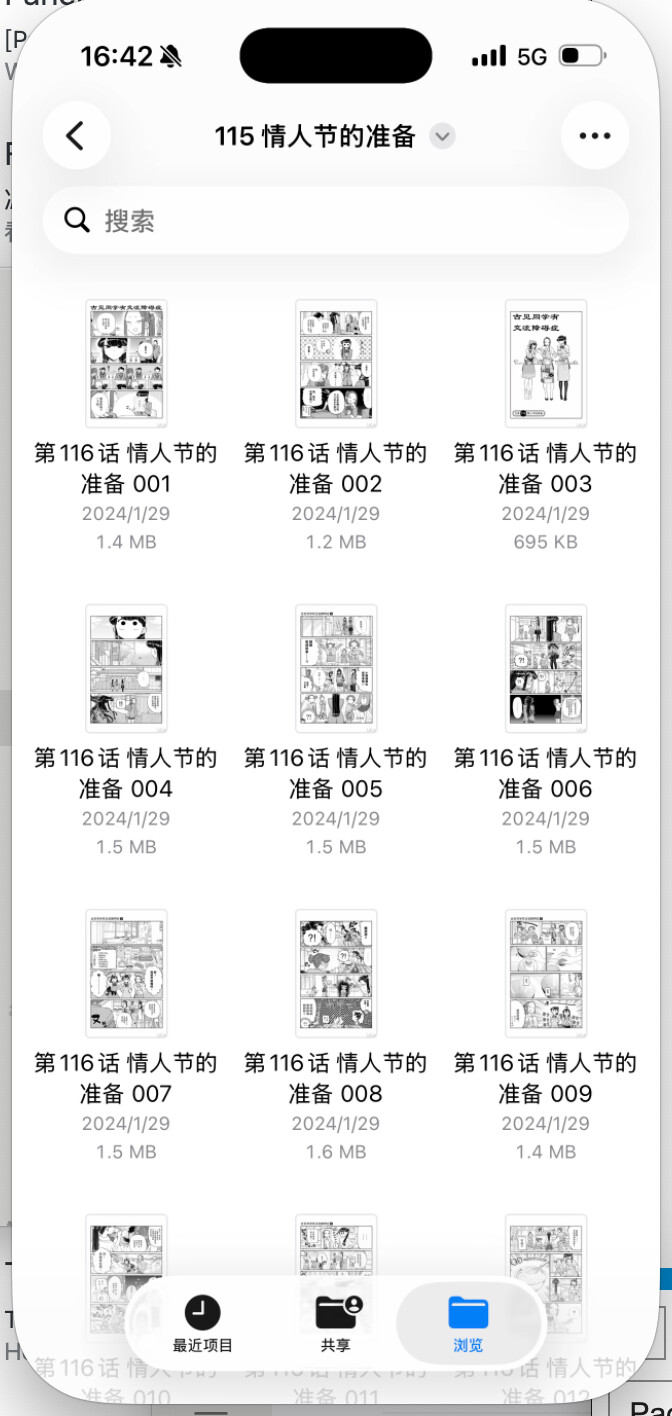
Hi, I’m seeing a strange issue in Panels on iOS and wanted to ask whether anyone else has experienced this.
For some comics, after I download them for local/offline reading, Panels appears to have missing pages. However, when I extract the archive locally, all image files are there and they look completely normal. The filenames are also correct, continuous, and in proper order.
A few more details:
- This is happening with more than one comic, not just a single file
- The archive itself seems fine when extracted outside of Panels
- The images are not corrupted
- The filenames are normal and sequential
- I have already tried re-downloading and checking the files manually
So at this point, it does not seem like a problem with the comic files themselves. It feels more like Panels is failing somewhere during indexing, decoding, caching, or rendering.
Has anyone seen this before?
Is this a known issue with local downloads/offline reading on iOS?
If needed, I can provide more details about the file format, reading mode, and app version.
Thanks.