I absolutely love one finger zoom as it makes reading on an iPhone so much more practical.
One thing that maybe could be improved is how double pages are handled. Double pages don‘t zoom in as far as single pages when they have the same height. So to read the text on double pages I have to adjust the zoom level (which is super easy to do but still takes another hand).
Could it be changed so you see the same number of pixels (?) of one page so the text is the same size across single and double pages?
Double pages are usually the same height but double as wide and the one finger zoom shows fewer pixels on the double pages. But the text is usually the same number of pixels high on single and double pages. So then when trying to read the text on the double pages you have to increase the zoom so it is just as large as when zooming on a single page.
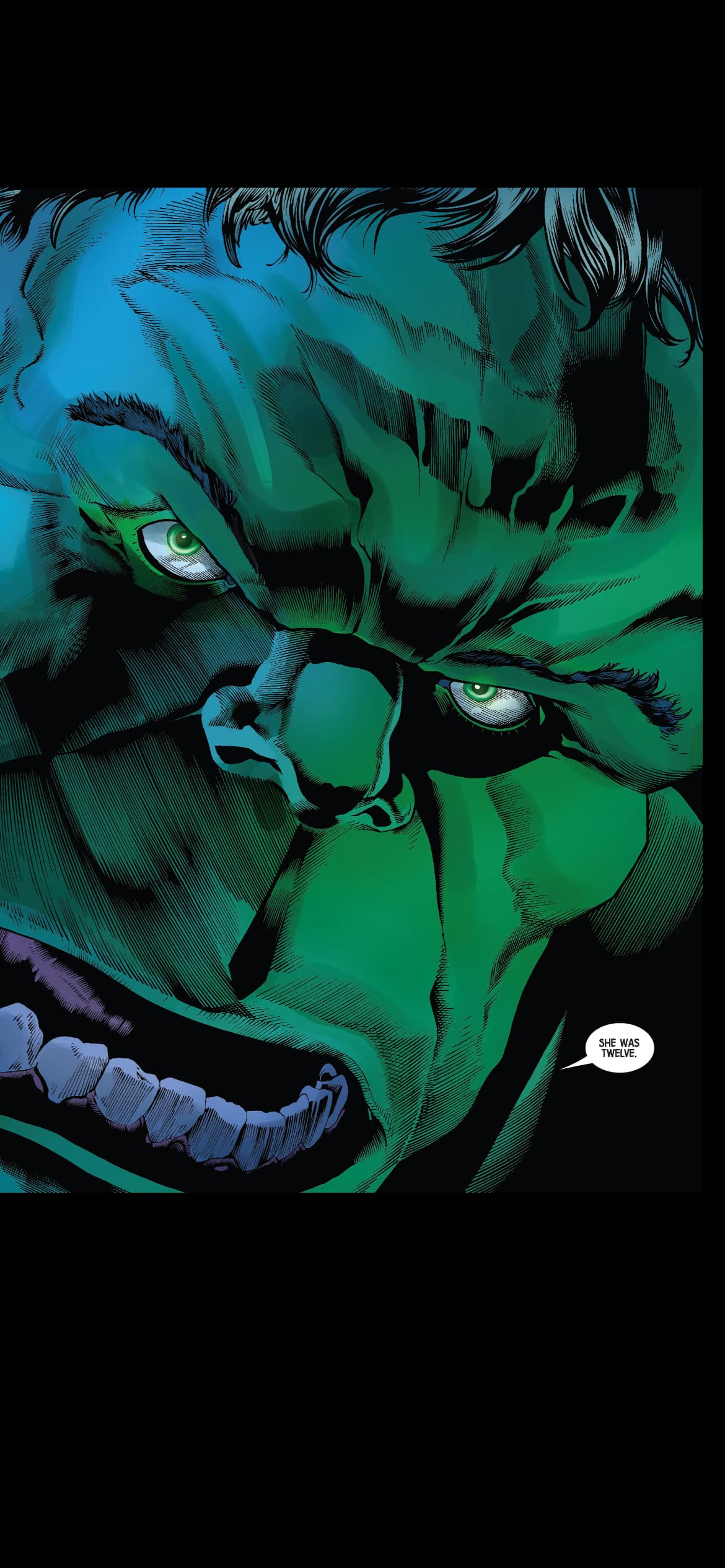
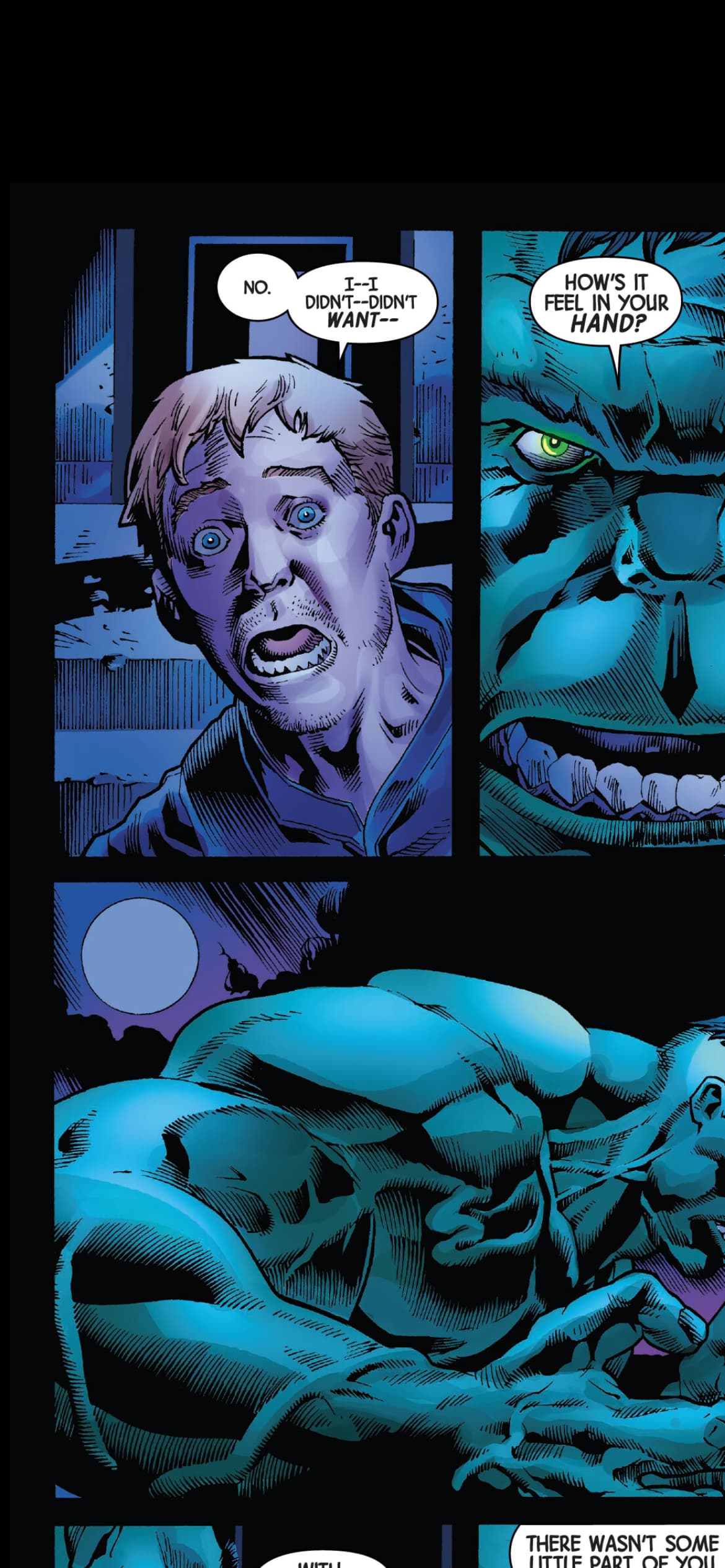
Here are two screenshots of using one finger zoom on a single and double page with the text smaller on the double page even though it would be the same size in print.
Could this be adjusted or there be a setting to zoom into the same number of pixels?