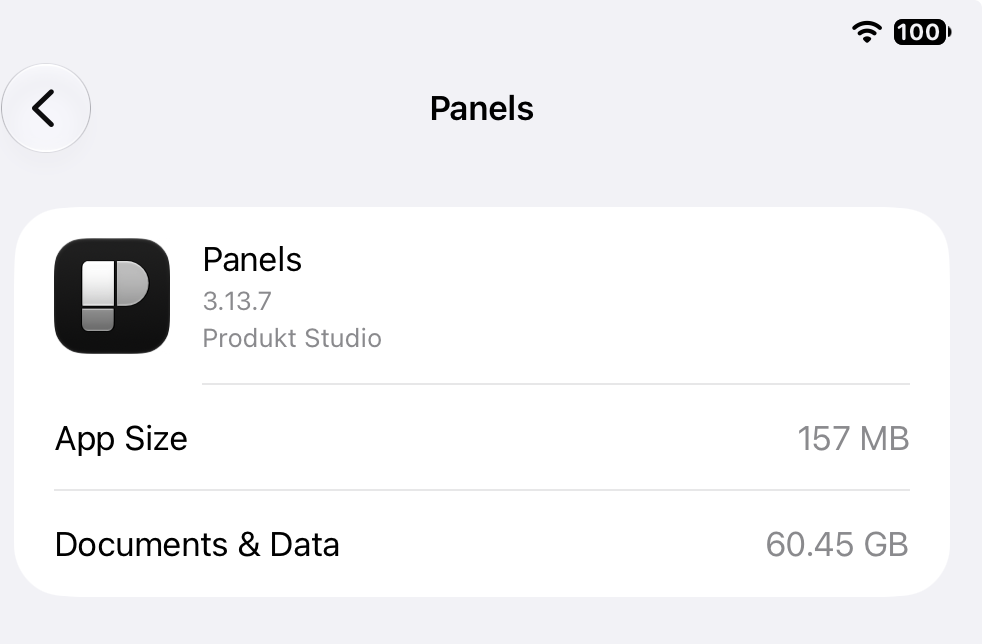
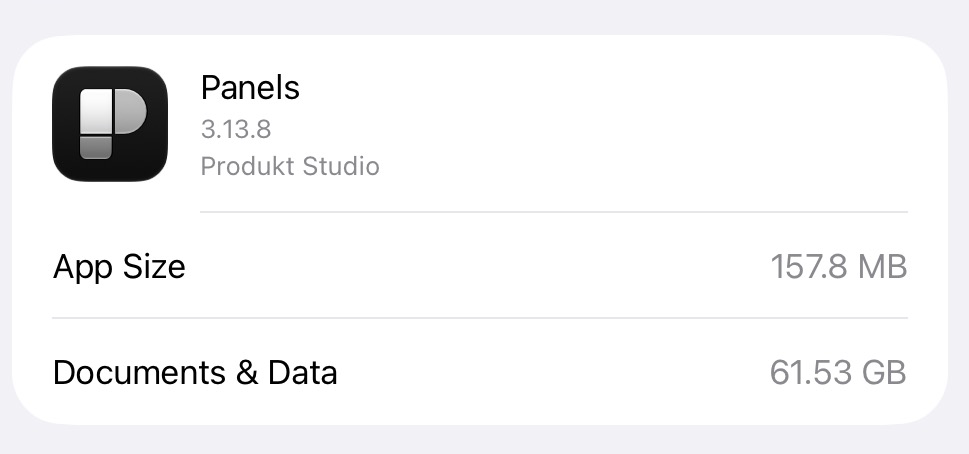
I’m having trouble with the memory usage of Panels app. I do have a large amount of comics in Panels, about 79.18 gigs according to the Files app. However, the app size is 90.41 gigs as shown in my Settings/iPad Storage. I regularly clear the cache manually in Panels, but the extra 10+ gigabytes that are being taken up doesn’t really seem affected.
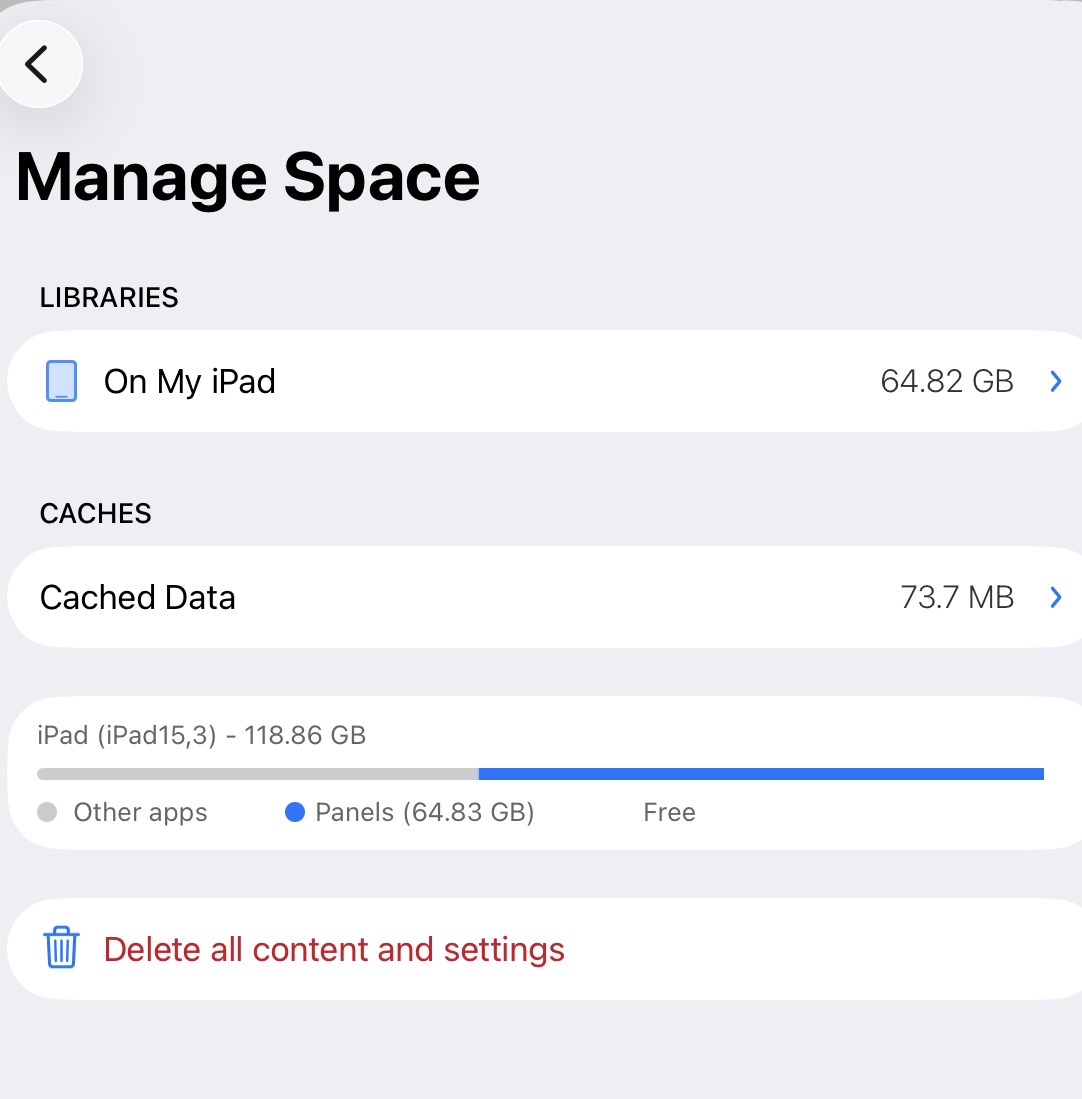
I went through and deleted a large amount of comics stored in Panels. When I go to the Manage Space page in the app, it now lists 72.27 gb, with a fully clear cache. However, even after rebooting, the app size in iOS Settings iPad Storage was barely affected, now listed as 89.28 gb.
For some additional information, this iPad and Panels app installation is fully updated. It is a brand new iPad and has only been used for about a month.
We are looking into this. Soon we will surface some caches that were ignored by the current implementation. We’ll also add more granularity so users can delete specific caches, not all the caches in the app.
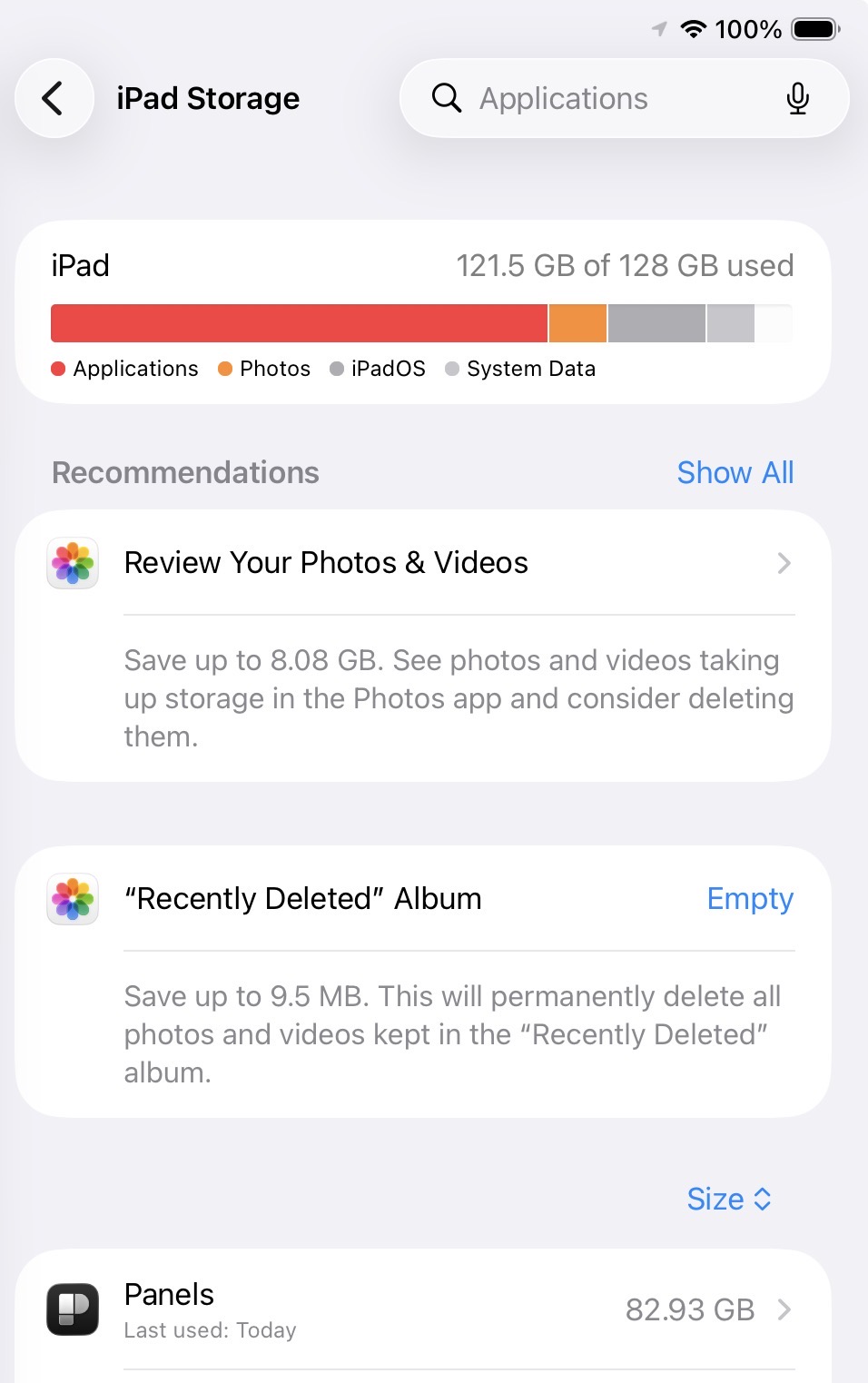
Hi, I wanted to provide an update and also ask for more help. I do appreciate the more refined memory cache information after the update, but I’m still seeing a huge discrepancy between how big the library is calculated in Panels app (64.83 gigs) vs how big it is in my iOS settings (82.93 gigs). The difference is almost 20 gigs. Any ideas about how I can figure out what is going on? Thanks for any advice you might have.
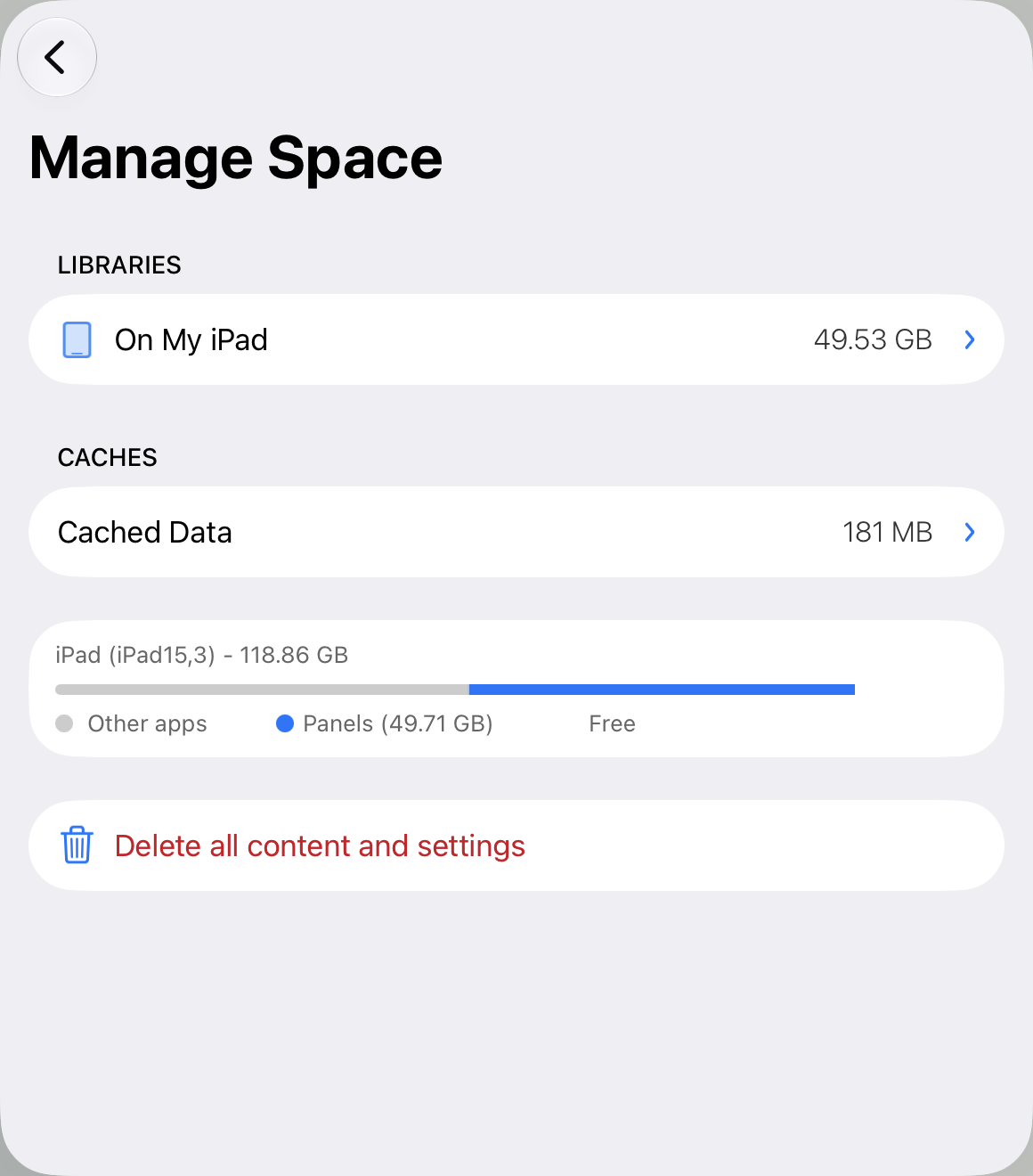
Sure. Hoping this is what you’re looking for. I have deleted a large amount of files, but the discrepancy between the Panels app calculation of memory vs the iOS settings continues to be huge. Sometimes it seems like it is unaffected or even goes up when I delete files!
Hey @Michael_Cavagnaro , we just released 3.13.9 (it might take a few minutes/hours to be available worldwide) with some diagnostics.
If you install it, and then go to Settings inside the app and tap + long press on the Email Us button, it will start compiling information about the app and attaching it to the email.
Please do that and drop us an email. It includes a breakdown of all the folder in the app container and how much space is used. Hopefully we can find out what’s going on with your installation, and fix it in a future version.
Can you send us a screenshot of the reported used space from the iOS Settings?
If you send us a screenshot and immediately another report, we know they are exactly from the same point in time, and we can rule out Panels caches.
There’s nothing odd in the report you sent. Panels accounts exactly for the used space by the app, including caches.
But one thing to consider is that there is a folder inside the app container called SystemData that the app doesn’t have access to. Is something managed by iOS and we have no way of knowing what’s inside or how much space is taking.
I think 20GB as you pointed out, is too much for caches. But we are certain that Panels is counting everything the app has access to.