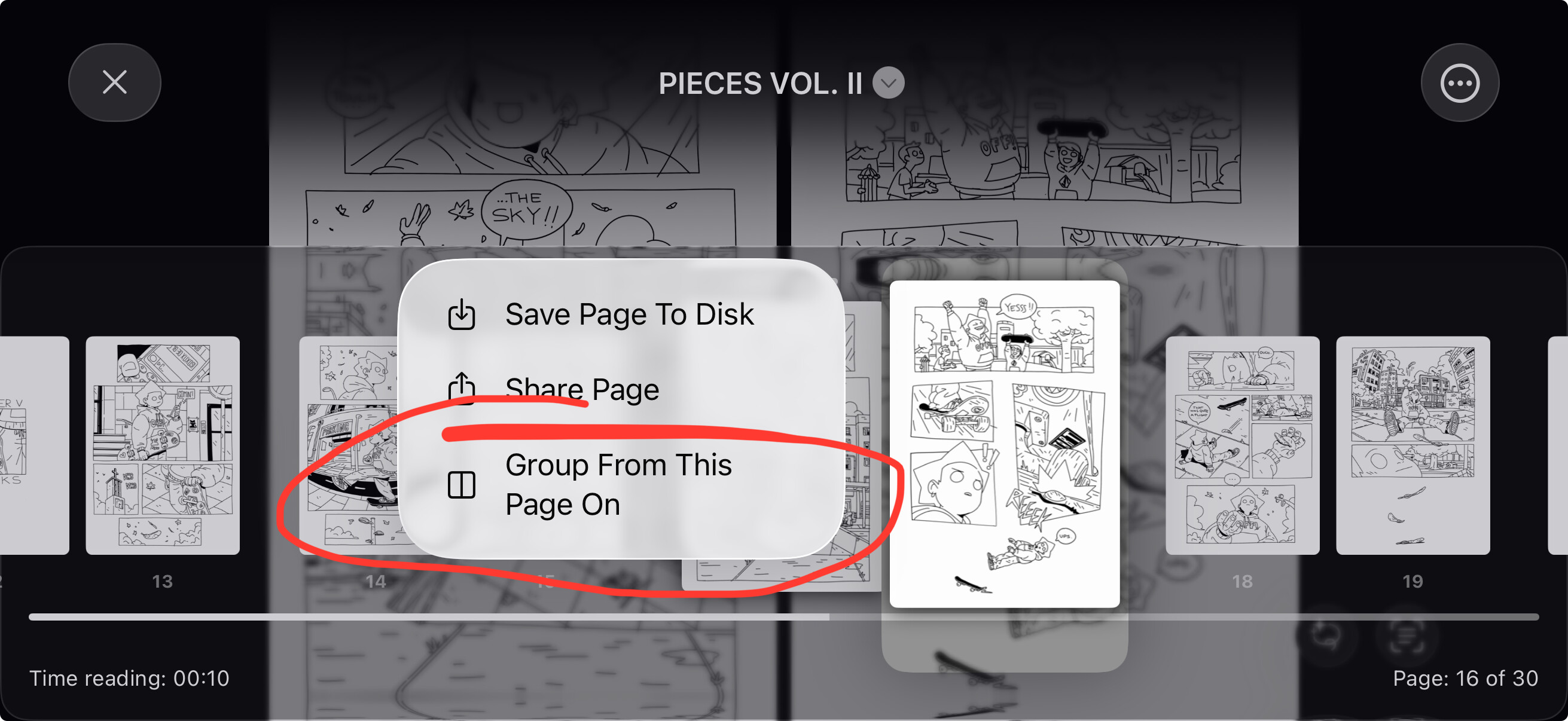
I know double pages has been discussed in different cases, but I like to bring it up again.
I use an iOS app called Smart Comic Reader, besides Panels which I like to support and also have a Komga comics server running.
Both of these readers can show double pages with no problem.
In Smart Comic Reader for iOS I can just flip to landscape mode and it figures out that the next pages is a part of a double page and shows it as one combined picture.
In Komga you have the option to show Double Pages (no cover) and that sorts out the miss match of what happens when the front cover is included and therefore you get double pages shown correctly.
I really like Panels and as said like to support the service and team by subscribing, but find it a bit annoying that an essential thing like showing double pages is not working or the option is not there…or has been removed.
An option for not including the front cover when reading, whether it be single or double pages, I assume would solve the problem with double pages spreads/pictures being shown correctly.
That being said, I will say a big thanks to you for creating Panels and the continued development of the service.